
How to generate your AdMob
Generate your AdMob to Monetize App
How to create AdMob account and obtain Banner Unit ID and Interstitial Unit ID
1. Register the Google account https://accounts.google.com/SignUp
2. Go to https://apps.admob.com/v2/home and create admob account.
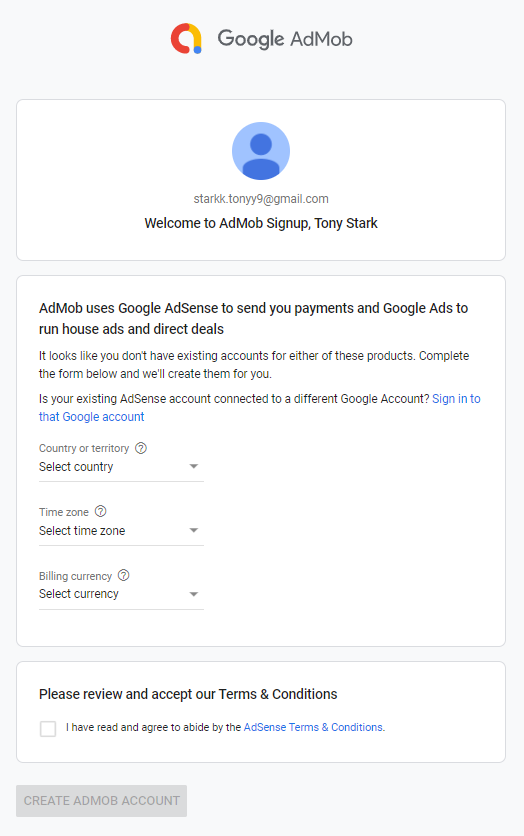
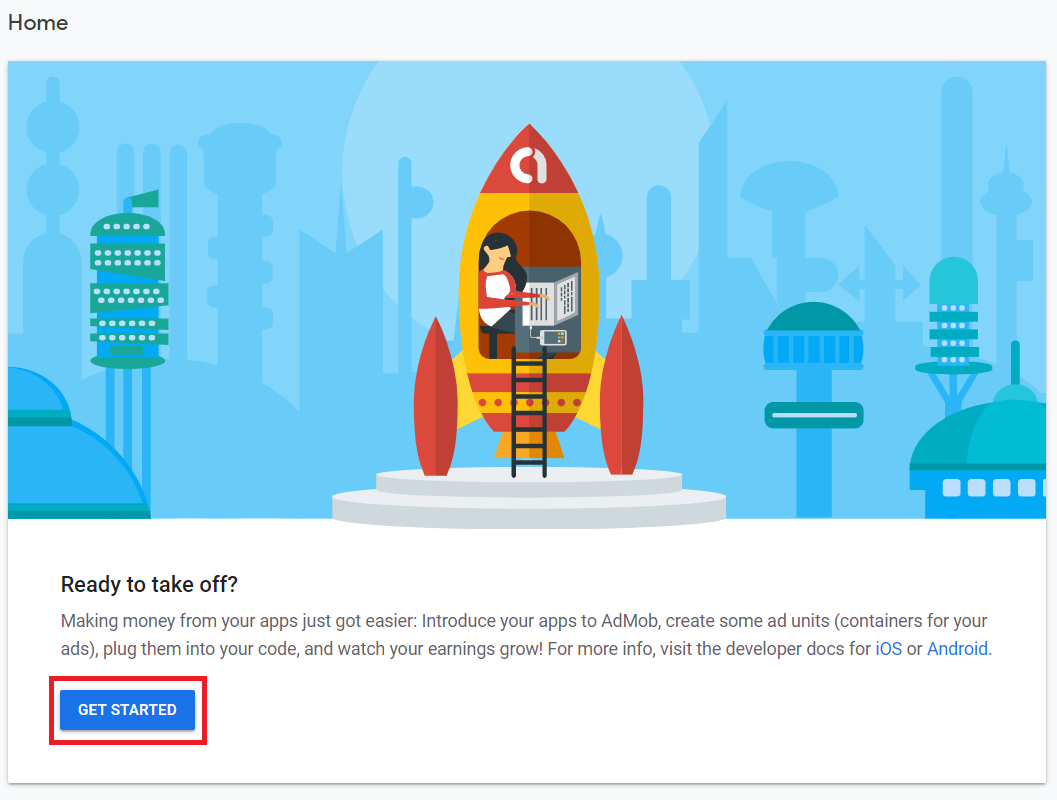
3. Now click button GET STARTED
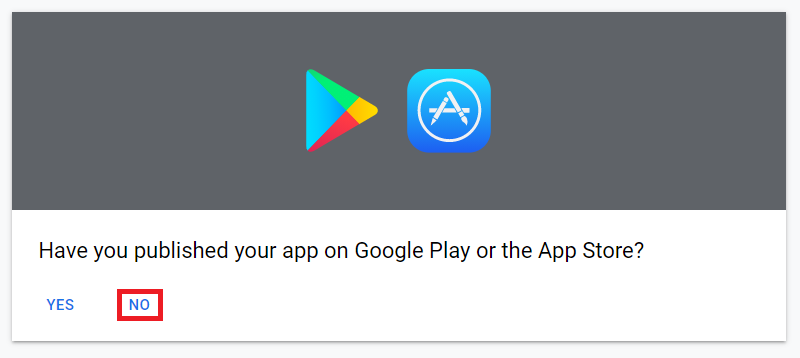
4. Click “NO”
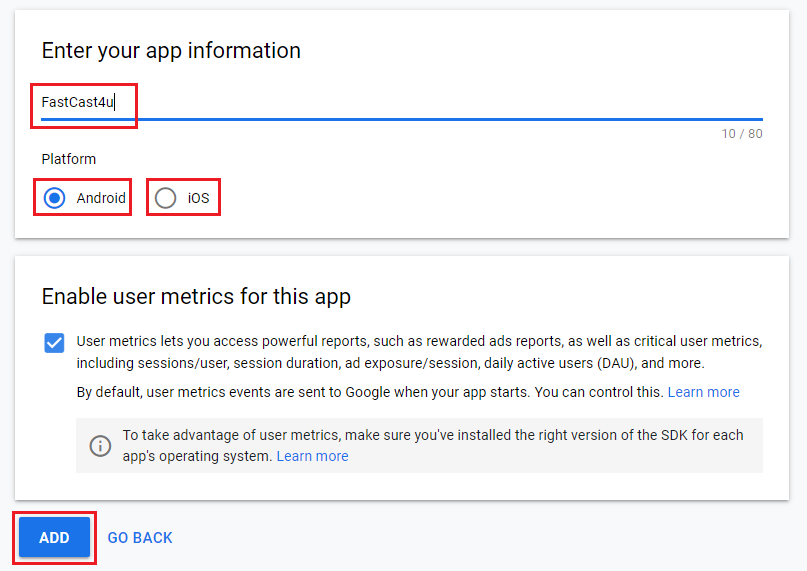
5. Enter App name, choose platform, click ADD.
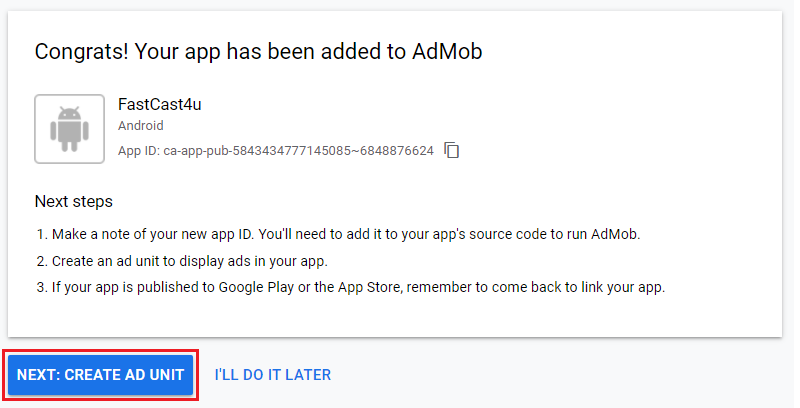
6. Click button NEXT: CREATE AD UNIT
7. Select Banner
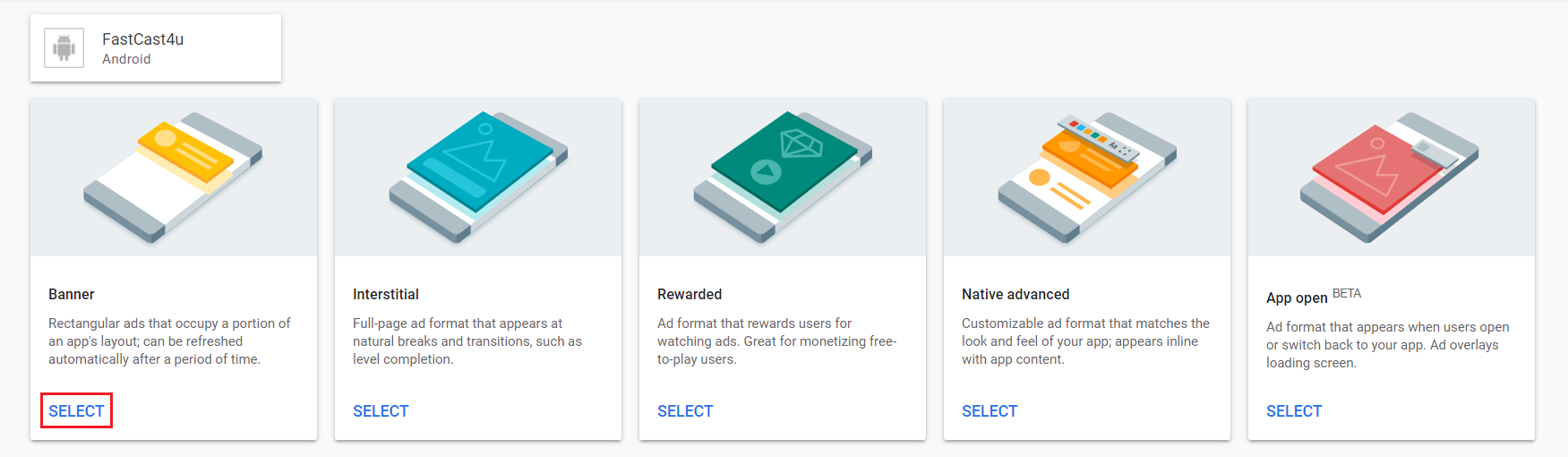
8. Enter name for your Banner and click button CREATE AD UNIT
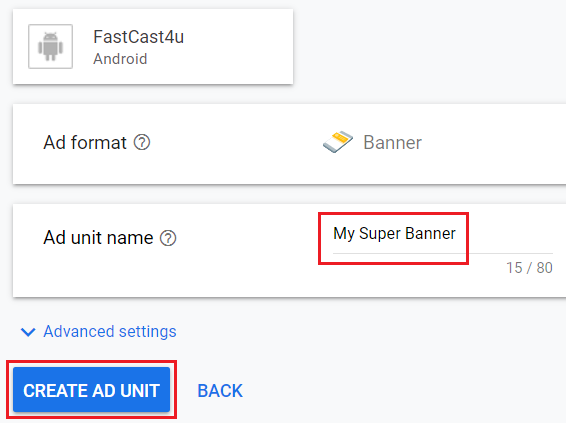
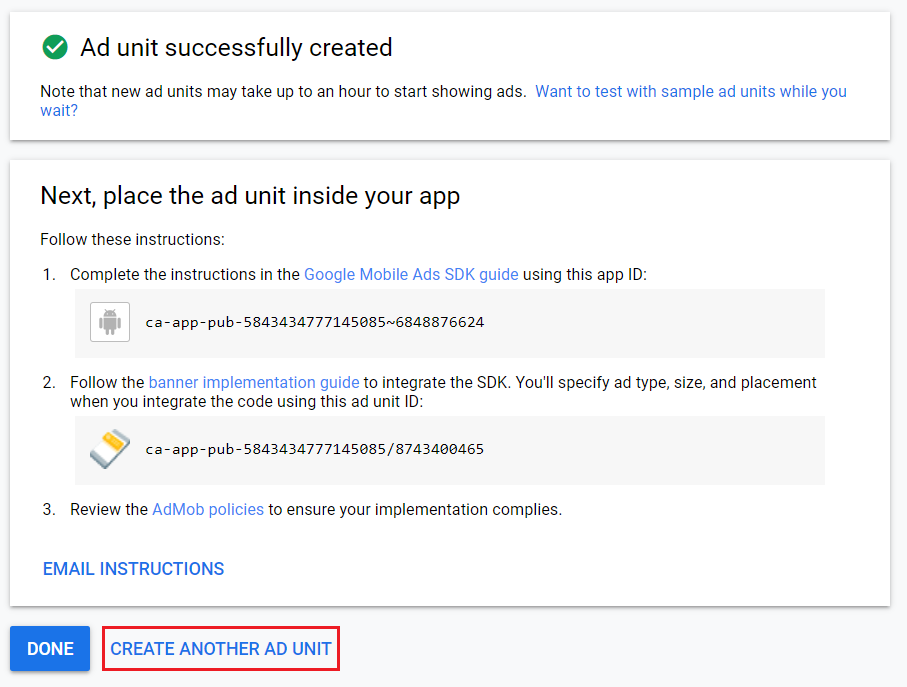
9. Click button CREATE ANOTHER AD UNIT
10. Select Interstitial
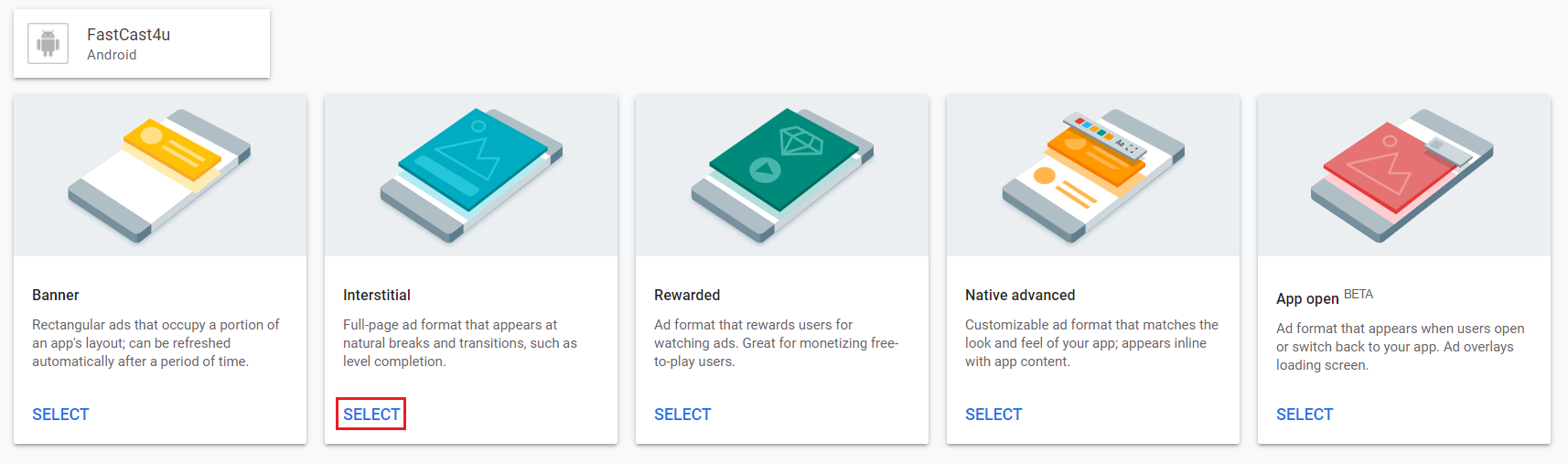
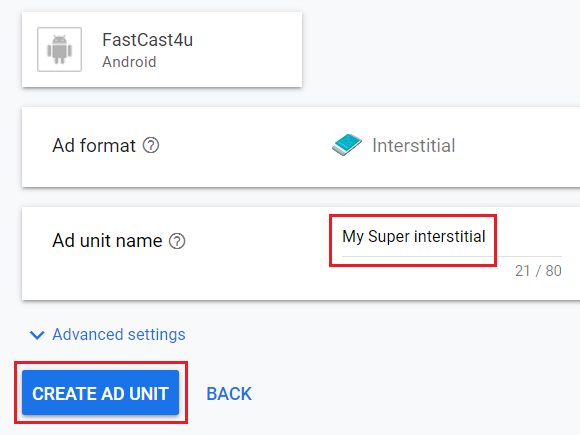
11. Enter name for your Interstitial and click button CREATE AD UNIT
12. Click button DONE
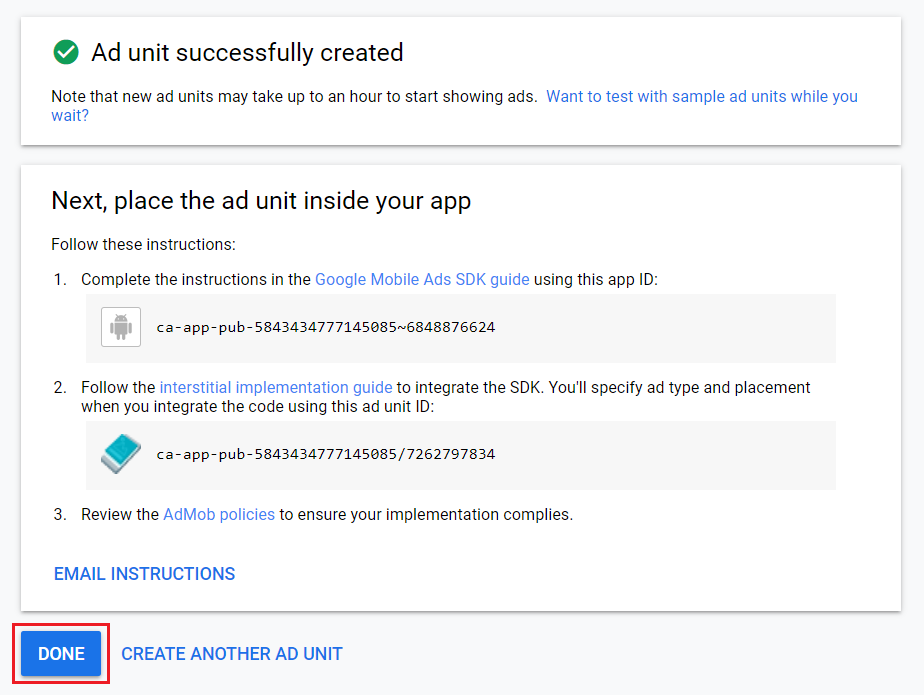
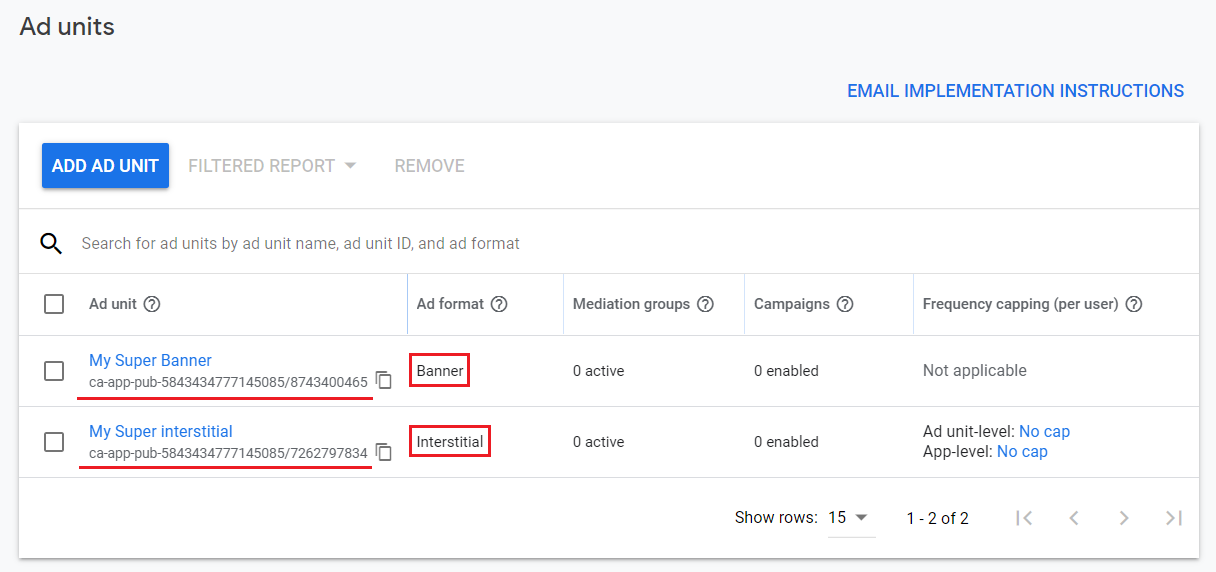
13. Copy Banner ID and Interstitial ID and send it to us. Write which ID is which.