
Help Center
How can we help you today?
Browse tutorials, how-to guides and troubleshooting tips for every FastCast4u service.
Card Payment - PayPal
How to pay with a card through PayPal?
Client Area
Manage your Services
PayPal subscription management
Cancellation of recurring payments/subscriptions through PayPal
Automatic Billing Subscription
Create and manage Automatic Billing Subscription
Setting up a PayPal Subscription
Create a PayPal Subscription for automated billing
AutoDJ
Pros and cons of using AutoDJ
Getting Started
How to Start your Online Radio Station?
Naming Your Stream
More important that you may think
Stream Content
3 things to keep in mind
Social Media Presence
Promote your Station on Social Media
Submitting a Support Ticket
[VIDEO] How to submit a Support ticket?
Broadcast Live
Set up live broadcasting software (with DJ Accounts)
Everest Cast vs CentovaCast
New and Legacy Radio Control Panel comparison
SHOUTcast vs Icecast
Which Server Type is better for you
AdMob Ads Setup
Generate your AdMob to Monetize App
Authash & SHOUTcast 2.6
Stream Monetization Activation and authash update
Proxy Stream Link Setup
Activation of port 80 proxy secure stream link
HTTPS Activation (Icecast only)
HTTPS secure stream activation on Icecast server
Payment Method Change
Manage the method of payment in your invoice
Adding tracks to playlists
Add tracks to a playlist / playlists update
Deleting files from AutoDJ
Deleting files from AutoDJ and from your server
AutoDJ Stream Bitrate Change
Changing the broadcasting bitrate (stream audio quality)
Media Library Update - FTP upload
Media Library Update after uploading files using FTP software
Stream Audio Codec change
Video Guife on Changing the stream audio codec (AAC/AAC+/MP3)
AutoDJ activation
Video Guide on how to activate your AutoDJ
Server Admin Panel
Accessing your SHOUTcast/Icecast server admin panel
Creating DJ Accounts
Set up DJ accounts for additional Server users
Additional Streams - Mount Points
What are Mount Points and how to use them?
Intro/Fallback Jingles
Adding an intro/fallback track
Login and Password change
Logging in to Centova Control Panel and login password change
AutoDJ Track Upload
Upload your audio files to AutoDJ
Streaming Live using Winamp
Streaming Live: Winamp with SHOUTcast DSP Plugin
Streaming Live using BUTT
Streaming Live using BUTT and CentovaCast
Streaming Live: SAM Broadcaster
How to configure SAM Broadcaster with CentovaCast
Streaming Live: Virtual DJ
How to configure Virtual DJ with CentovaCast
Facebook Radio Player
Set up a Facebook Radio Player
Radio Call-in Setup
Set up Call-In between Skype and Mixxx
TuneIn API
TuneIn API Setup - How to get more listeners from TuneIn?
User Account Template
Creating User Account Template
Creating a User Account
How to Create a User Account
Custom theme for WebPlayer?
How to create a custom theme for WebPlayer
WebPlayer Covers
Setting up a custom, default and permanent cover art for your WebPlayer
WebPlayer Stream Setup
Setting up link stream in WebPlayer
WebPlayer Setup
WebPlayer Setup Page Guide
Update the Stream Name
How to Update the Stream Name in the Online Radio Directory
WebPlayer Track Artwork
WebPlayer Track Artwork (Cover Art) options
Playlists
How to create a playlist and what are the playlist types?
Password change
How to change your Centova Cast Password?
Audio codec change (MP3/AAC)
How to change the broadcasting codec in Centova
FTP File Upload
How to upload files via FTP software? (FileZilla) icon
Centova Cast Panel Overview
How to get started?
How to open and use Live Chat
Getting Quick assitance via Live Chat
DJ account Setup
How to create a DJ account?
Statistics of your Radio Station
Checking listener, traffic and track statistics
Alexa Skill
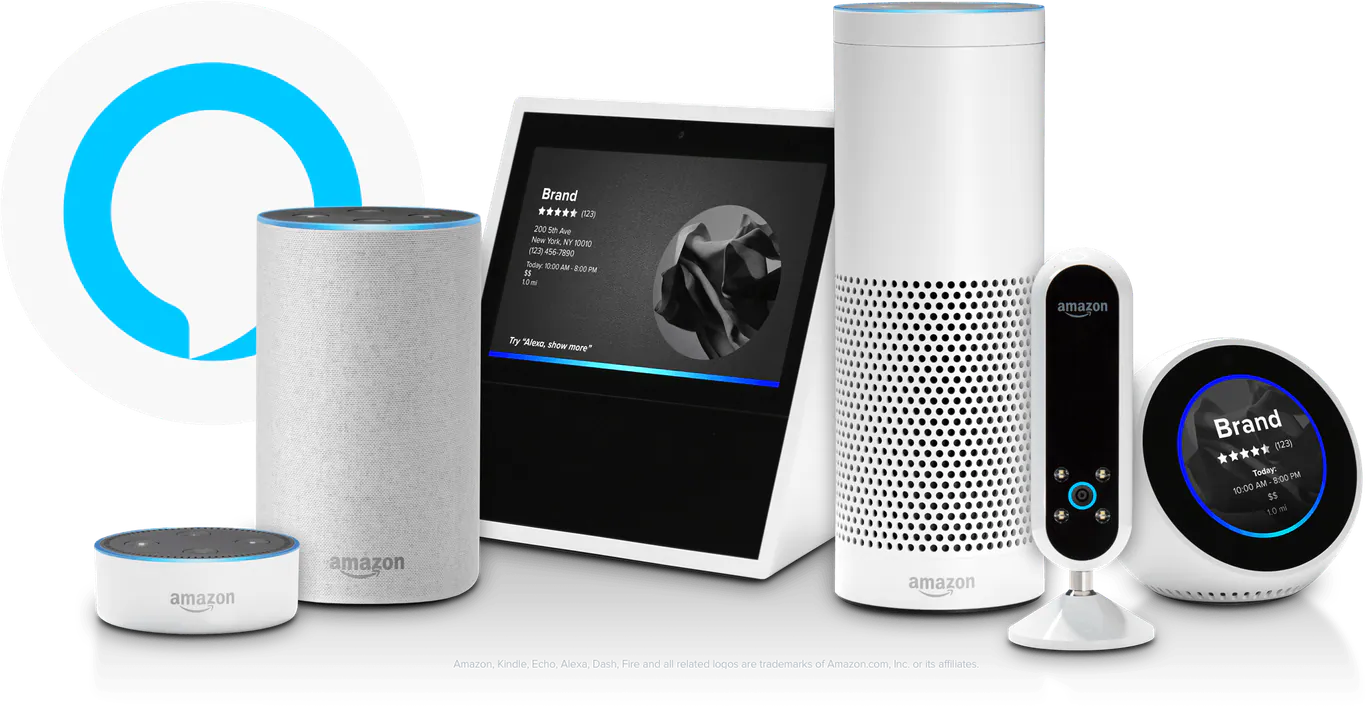
Add your Online Radio Station to Alexa
Enabling Alexa Skill
Activate Alexa Skill on your Device
Social Media Live Streaming
Stream Live to Facebook, YouTube and twitter
Streaming Live: Mixxx
How to configure Mixxx with CentovaCast
Push Notification Account Setup
Setup One Singal to provide the ID for App
Sending Push Notifications to App
Send Push Messages through your Mobile App
Schedule Playlist
How to Schedule Playlist in Everest Cast
Live TV Streaming with OBS Studio
Configure OBS Studio with VDO Panel
Panel Introduction
General Overview of the Dashboard of Everest Control Panel
Setup Jingles
How to Set up Jingle in Everest Cast
Setup Watermark
How To Set Up Watermark
Setup Jingle
How To Set Up Video Jingle
Check WebTV Stats
How To Check Your WebTV Stats
Setup GeoIP Country Locking
How To Set Up GeoIP Country Locking
Change VDO Panel Language
How To Change VDO Panel Language
Embed a Video Player
How To Embed a Video Player on Your Website
Drag & Drop File Uploader
How to drag and drop file upload
How Does Alexa Radio Skill work?
Learn about Alexa Radio Skill
Simulcast to YouTube
Set up a Relay and Stream to YouTube
Simulcast to Facebook
Set up a Relay and Stream to Facebook
Stream Live Mixxx
Set up Live Stream with Free Mixxx
Create your WebTV Station
How to start a WebTV Station with VDO Panel
Video on Demand Embed Code
Get the embed code and URL for VIDEO on Demand
Royalties Reports
Generating royalties reports (SoundExchange)
Client Area Access
Client Area navigation instructions
Recommended Software
Recommended free broadcasting software
Cancel FasterPay subscription
How to Cancel your FasterPay subscription
Set up Geo or IP Blocking
Set up Geo or IP Blocking
Live Broadcasting Software
Recommended Live Broadcasting Software
Cashback Voucher Promotion
Terms of Cashback Voucher Promotion
File Upload from Web Browser
Video Guide - Uploading files to the server using Web Browser
FTP File Managing (advanced)
Video Guide on File Managing using FTP Software
Remote Assistance Instructions
Allow attended access to your computer for live remote assistance
Broadcasting Live in Web Browser
Stream live with Webcaster Client
Reseller Account Management
Managing customer accounts and your reseller account
Shoutcast Authhash Setup
Shoutcast Authhash Setup in CentovaCast - Monetization and Directory Registration
Video on Demand (VOD)
Set up on demand Video Files and Playlists
Apple App Rejection
Resolve issues with App Publication on App Store
Playlist Setup
Video Guide about creating playlists and playlist mangement
Smart TV Apps for Online Radio/TV
AndroidTV, Amazon Fire TV, Apple TV, ROKU TV
Apple CarPlay Radio App
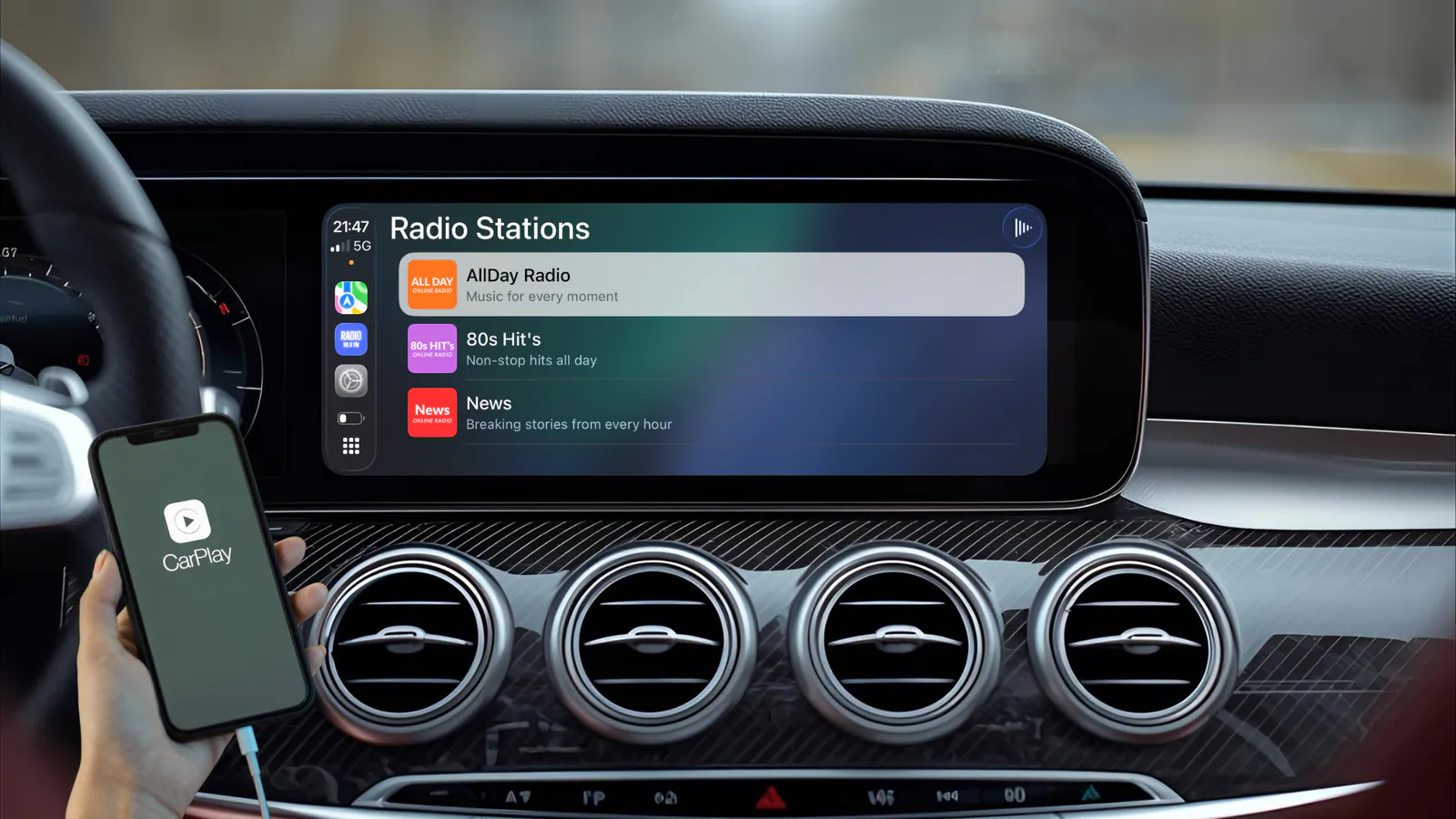
Creating an Apple CarPlay App for your Radio has never been easier
Intro File
Adding an intro Jingle to your Stream